Use the AoxVPNLite installation entry on this page and verify the app name and version. A matching name in search results does not establish the app’s source.

Open the iOS installation entry below to visit the AoxVPNLite distribution page and follow its instructions. On a computer, scan the QR code with an iPhone or iPad. Available builds and installation requirements are shown on that page.
 One-tap easy setup
Check permissions and privacy settings
Secure and stable global connections
Review privacy information

Open the supplied iOS installation entry on your iPhone or iPad, check the app name and follow the distribution page instructions. Contact website support if the entry is unavailable. Open installation entry
Log in or tap 'Sign Up' to create a new account.If you are not yet a VIP, please visit our website to purchase a plan.
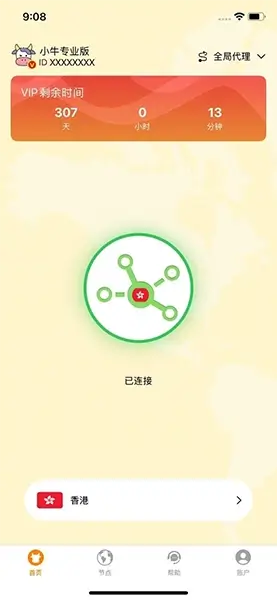
Select your VPN server and connect!
Here are answers to some frequently asked questions from our valued customers.
If you need further assistance, please contact our professional support team, who will be happy to help.
Alternatively, you can ask our Aox Chatbot, or click the button below to visit our FAQ page.
 AoxVPN